Incentive SDK: adding dealer schemes to the app you already have
Many manufacturers have already won the hardest battle in channel technology: their dealers use the company's app to place orders and check the ledger. Asking those dealers to install a second app for schemes throws that away. An incentive SDK puts schemes, progress and rewards inside the app that is already on the phone. This page explains the pattern, the division of work, and the questions an IT head should ask before agreeing to it.
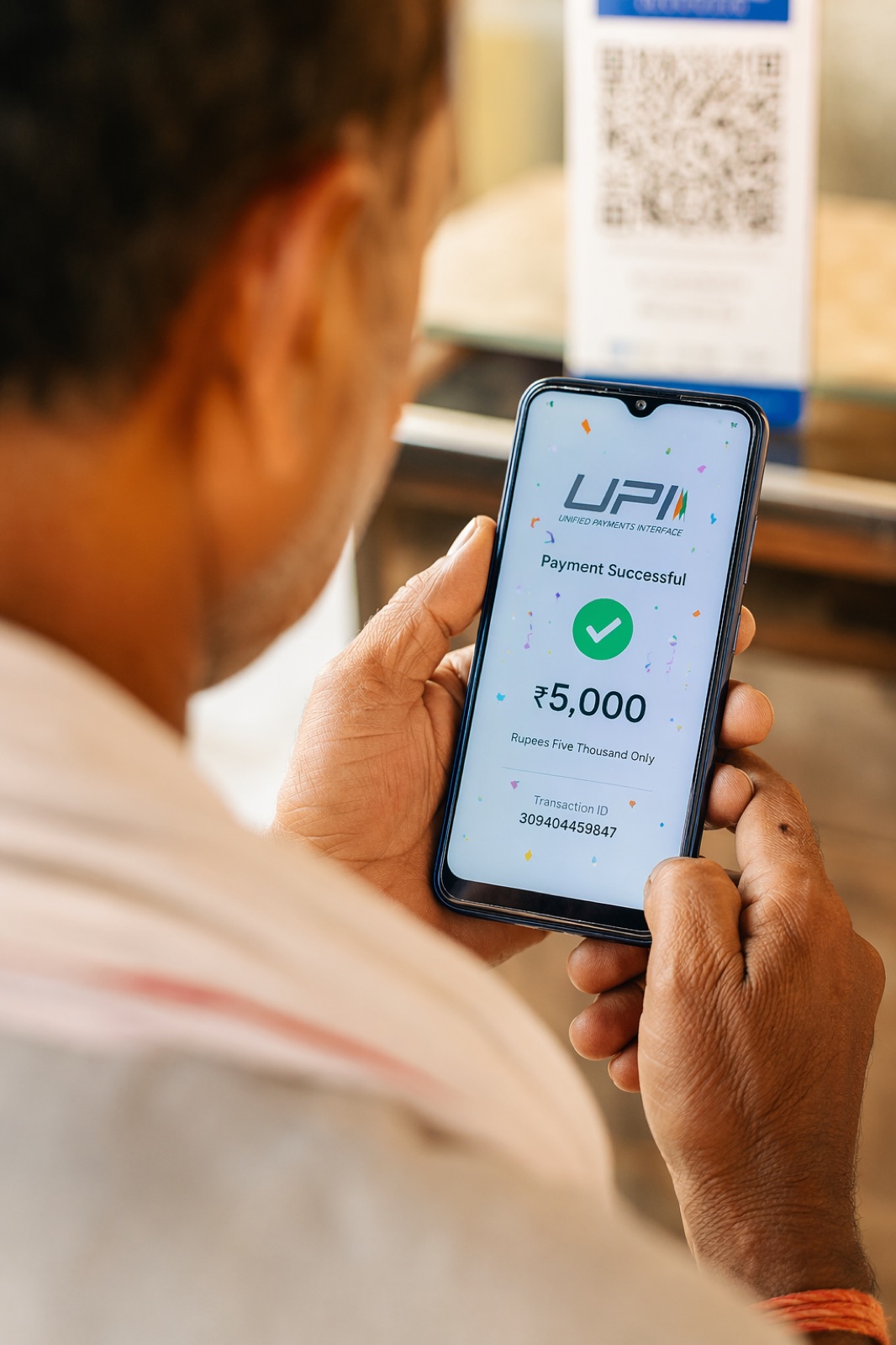
A scheme and incentive SDK is a module embedded inside a brand's existing dealer or retailer app that shows each partner their schemes, live progress, next targets, earnings and rewards. The host app keeps doing everything it already does: login, ordering, catalogue, ledger and service. The incentive platform runs the scheme rules, calculation and payout ledger on its own servers, and the SDK is the window onto them. Because the rules live on the server, a new or changed scheme reaches partners without an app-store release. The partner sees one app, in the brand's own look.
When this pattern fits
The SDK route fits a specific situation. The brand has a dealer or retailer app that the trade genuinely uses, typically for ordering, catalogue, account ledger, service requests or warranty. Schemes, however, still run on circulars and spreadsheets, or sit in the app as a static banner with a PDF behind it. The company's own technology team, or the vendor who built the app, could build a scheme engine into it, but scheme logic is a product in its own right: slabs, growth conditions, product-mix rules, clubbing of dealer codes, approvals, caps and payout files. Build vs buy covers that decision. The SDK is the way to buy the engine without giving up the app.
It does not fit when the existing app is barely used. Embedding a good module in an app nobody opens gives the module the same fate. In that case a standalone app, a PWA or WhatsApp will reach partners sooner; SDK vs white-label app vs WhatsApp sets out the choice.
How the pattern works
Three parts cooperate. The host app is the brand's existing application. The SDK is the module inside it that draws the scheme and incentive screens. The platform back end is where schemes are configured, invoices are received, incentives are calculated and payouts are recorded. A typical flow:
- The dealer logs in to the host app in the usual way. Nothing about login changes.
- When the dealer opens the schemes section, the host app passes his identity to the SDK. The dealer is not asked to log in a second time.
- The SDK asks the platform back end for that dealer's schemes, progress, next targets and earnings, and draws them in the host app's colours and type.
- If the dealer uses the calculator and decides to buy, the SDK hands the order to the host app's own order flow, which submits it through the brand's order API. The order lands where every other order lands.
- Invoices raised against that order reach the platform through the brand's ERP integration or an upload, and the dealer's progress updates.
The point of this arrangement is that neither side duplicates the other. The host app does not learn scheme logic. The incentive platform does not become a second ordering system with its own stock, pricing and credit rules. On Unotag this is how the SDK is delivered: Unotag manages schemes and incentives, the host app does everything else, and orders are passed to the brand's own order API.
Division of responsibility
Most integration problems are responsibility problems. The table below is the division to agree in writing before any code is written.
| Area | Host app (brand) | SDK (inside the app) | Platform back end |
|---|---|---|---|
| Login and identity | Authenticates the partner as it does today | Receives the partner's identity from the host app; shows no login screen of its own | Verifies that the identity really came from the host app and maps it to the dealer code |
| Scheme rules | None | None; displays what the server returns | Holds the configuration of every scheme, with versions and effective dates |
| Incentive calculation | None | None; no calculation is trusted on the phone | Calculates from invoices and keeps the working for each figure |
| Progress, next targets, calculator | Provides the menu entry or tab | Draws the screens and sends what-if quantities to the server | Returns progress, targets and calculator results |
| Ordering | Owns cart, pricing, credit check and order submission through its order API | Hands the proposed order to the host app | Does not hold orders of its own; reads resulting invoices |
| Branding and language | Supplies colours, type and the current language | Follows the host app's look and language | Supplies scheme explanations in the partner's language |
| Invoice data | None directly; the ERP is the source | None | Receives invoices by ERP integration or file upload |
| Approvals and payout | None | Shows payout status to the partner | Runs approval chain, hold, cap and override, keeps the payout ledger, produces the credit-note file or UPI payout |
| Releases | Publishes the app, including the version that first carries the SDK | Updated when the host app is updated | Changes at any time without an app release |
Why scheme changes need no app-store release
This is the property that makes the pattern worth the integration effort. In trade, schemes change constantly: a new monthly circular, a mid-month extension, a festive scheme announced on Thursday for Monday. If scheme logic were compiled into the app, every one of those would wait for a new build, store review, and then for dealers to update, which many do not do for months.
With the rules on the server, the SDK is a display layer. A scheme configured this morning appears in the dealer's app this afternoon, because the SDK asks the server what to show each time it opens. A new scheme can go live on Unotag in minutes: the scheme team pastes the circular, AI structures it into configuration with a live preview, the cost is projected on real purchase history, and on saving, the scheme is available to every surface including the SDK. The app itself needs a new release only when the SDK gains a screen type it did not have before, which is rare compared with how often schemes change.
Security and data questions to ask
An SDK is someone else's code running inside your app and showing commercial figures to your dealers. An IT or information security head should put these questions to any SDK provider, and expect specific answers.
- How is identity passed and verified? The host app should pass a signed, short-lived token, and the platform should verify it on the server. A dealer code sent as plain text that the server simply believes is not acceptable, because it would let one dealer view another's figures.
- What data does the SDK read from the device or the host app? The answer should be a short list, limited to what the scheme screens need. It should not read contacts, location or the host app's other data unless a specific function requires it and the brand has agreed.
- What permissions does it request? A voice assistant needs the microphone; a plain progress screen needs nothing. Functions that need a permission should be separable so they can be left off.
- Where is the data stored, and who can see it? Ask about hosting location, encryption in transit and at rest, access controls, and whether one client's data is isolated from another's.
- What is kept on the phone? Earnings and invoices cached on a device are exposed if the phone is shared. Ask what is cached and for how long.
- What happens when the platform is unreachable? The schemes section should fail quietly with a clear message, and the rest of the host app, ordering above all, must keep working.
- How are versions handled? Dealers run old versions of apps for a long time. Ask how long an older SDK version keeps working against the current server.
- Who owns the data, and what happens at exit? Scheme configuration, calculated incentives and the payout ledger should be exportable. Switching platforms covers what to secure in the contract.
Unotag's general security position is on the security page. The specifics of token format, permissions and data flows for a given host app are confirmed in technical scoping, because they depend on how the host app is built.
What integration involves
The work divides into four pieces, and only one of them is in the mobile app.
Identity hand-off
The host app's team and the platform agree how the logged-in partner is identified and how the token is signed and checked. The dealer code in the app must match the dealer code on the invoices, which brings in the dealer master: old and new codes for the same dealer need to be clubbed so that purchases are not split.
Embedding and theming
The app developers add the SDK, place the entry point (a tab, a home-screen card or a menu item) and pass the app's colours, type and language so the module does not look bolted on.
Order hand-off
Where the calculator leads to an order, the SDK passes the proposed items to the host app, which runs its own cart, pricing and credit rules and submits through its order API. If the brand prefers, this step can be left out and the calculator stays informational.
Invoice feed
The larger piece, and independent of the app: invoices have to reach the platform from SAP, Tally or another ERP, or by Excel upload to begin with. ERP integration with SAP and Tally covers what data moves and how.
How long this takes depends on the host app's technology, its release cycle and the availability of its developers, none of which the incentive platform controls. Supported platforms and the exact integration steps are confirmed in technical scoping with the team that maintains the app. A sensible precaution is to run schemes on a web portal or WhatsApp first, so that the calculation is proven on real invoices before the SDK appears in front of every dealer. The incentive SDK solution page describes the delivery model.
Limits and trade-offs
The SDK ties the reach of schemes to the reach of the host app. Partners who do not have the app, or run a version older than the one that first carried the SDK, see nothing, so a second surface such as WhatsApp is usually kept for them. The first embedding depends on the host app's release calendar, and a brand whose app vendor releases twice a year will wait. The SDK's screens follow the host app's look but are not infinitely flexible: a brand that wants every pixel designed in-house should expect to discuss what is configurable. And the pattern adds a dependency: two teams now share one screen, so the support process must say who answers when a dealer reports a wrong figure. In practice it is almost always an invoice question, which belongs to the platform and the ERP feed, not to the app.
Key takeaways
- An incentive SDK puts schemes, progress, next targets and rewards inside the brand's existing dealer or retailer app; the host app keeps login, ordering, catalogue and ledger.
- Scheme rules and calculation stay on the platform's servers, so new and changed schemes reach partners without an app-store release.
- Agree the division of responsibility in writing: identity from the host app, orders to the host's order API, branding from the host, calculation and payout ledger on the platform.
- Ask how identity is verified, what the SDK reads and stores, what happens when the server is unreachable, and how old app versions are supported.
Frequently asked questions
What is an incentive SDK?
An incentive SDK is a module embedded in a brand's existing dealer, retailer or partner app that displays schemes, incentive progress, next targets, earnings and rewards. The scheme rules and calculations run on the incentive platform's servers, and the host app continues to handle login, ordering and everything else.
What is the difference between a loyalty SDK and a white-label loyalty app?
A loyalty SDK lives inside an app the brand already has, so the partner keeps one app. A white-label app is a separate application in the brand's name that the partner installs in addition. The engine behind both can be the same; the difference is where the partner sees it.
How do I add dealer schemes to an existing app?
Embed a scheme and incentive SDK: the host app passes the logged-in dealer's identity to the module, the module shows that dealer's schemes and progress from the platform back end, and any order is handed back to the app's own order flow. Invoices reach the platform through ERP integration or upload.
Do scheme changes require an app update when using an SDK?
No. The scheme configuration is held on the server and the SDK displays whatever the server returns. A new scheme, a changed slab or an extended period appears in the app without a new release. An app update is needed only when the SDK itself gains new screens.
Does the dealer have to log in again inside the SDK?
No. Login and identity are passed from the host app. The partner authenticates once, as today, and the platform verifies on its servers that the identity it received genuinely came from the host app.
Is a rewards SDK for a mobile app secure?
It can be, if identity is passed as a signed, short-lived token verified on the server, calculations are never trusted on the device, the SDK reads only the data it needs, and sensitive figures are not cached on the phone for long. Ask the provider for specifics on each point.
Which mobile platforms does the Unotag incentive SDK support?
Supported platforms and the integration steps for a given host app are confirmed in technical scoping with the team that maintains that app, since they depend on how the app is built. The delivery model is the same in each case: Unotag manages schemes and incentives, the host app does the rest.
Who handles orders placed from the scheme screens?
The host app. When a dealer decides to buy from the calculator or a scheme screen, the SDK hands the proposed order to the host app, which applies its own pricing and credit rules and submits it through the brand's order API.