Channel partner incentive app: what it must do, and what it should not
Most dealer apps are built from the brand's side of the table: a catalogue, an order form and a banner for the current scheme. The dealer opens the app with a different question in mind, which is what he is earning and what he should buy next. This page sets out what a partner-facing incentive app has to answer, what to leave off the home screen, and how to tell whether it is working.
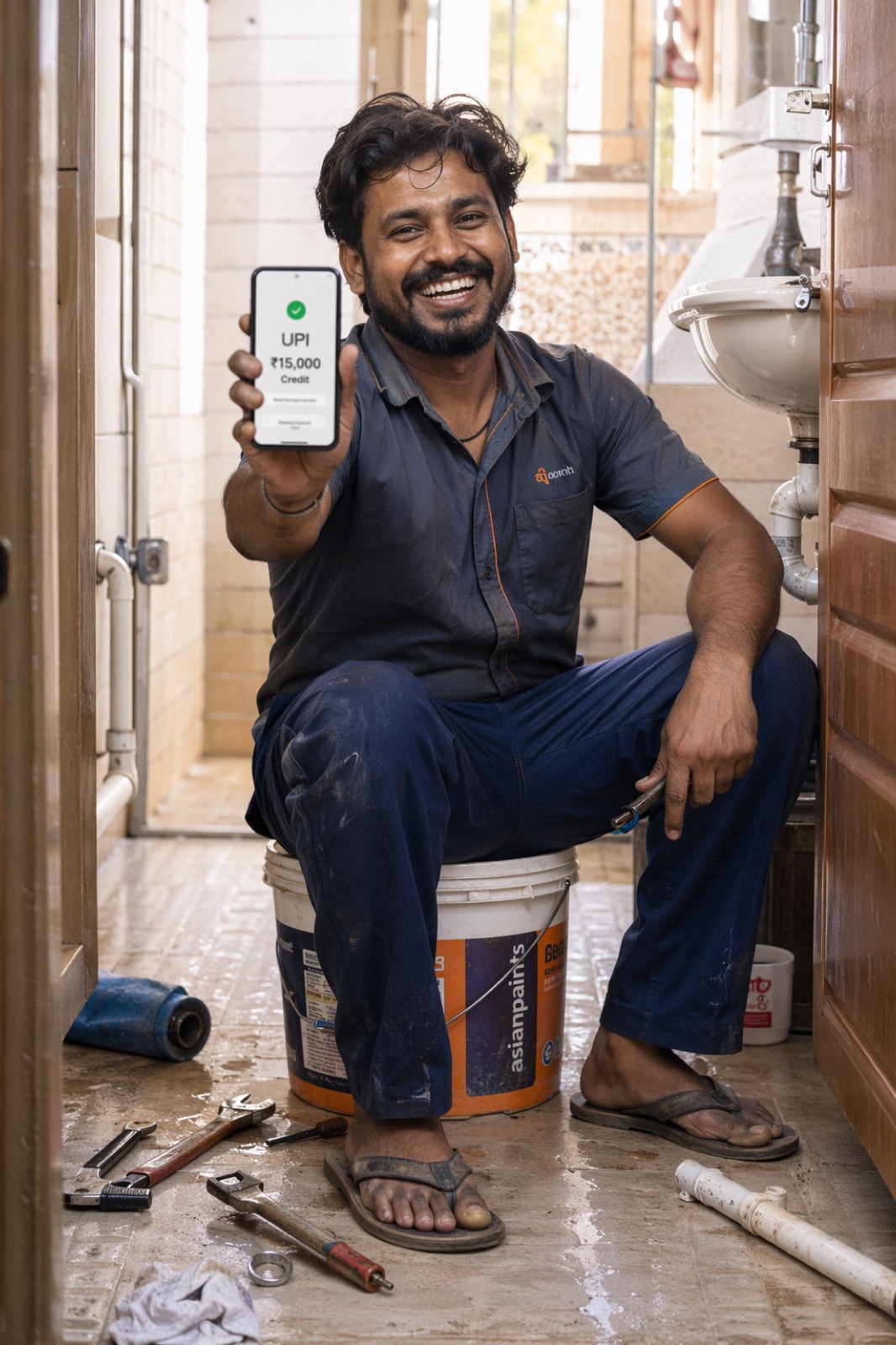
A channel partner incentive app is the screen on which a dealer, distributor or retailer sees the schemes that apply to them, how far they have progressed, what the next target is, which invoices were counted, what they have earned and when it will be paid. A good one answers those six questions in the partner's own language without a call to the sales officer, adds a calculator for the question "what if I buy more", and keeps earnings behind a tap instead of on the home screen, because dealers routinely show their phone to other people at the counter.
The six questions a partner opens the app to answer
A scheme circular is written for the person who designed it. The partner reads it for one thing: what it means for his own counter this month. An incentive app earns its place on the phone when it answers the following questions faster than a phone call to the sales officer would.
Which schemes apply to me?
Not every scheme in the company, only the ones this partner is eligible for by geography, category, dealer class and period. A dealer shown twelve schemes of which four apply will stop reading at the second one.
Where do I stand today?
Quantity or value counted so far in each scheme, against the slab or target, updated as invoices arrive. A progress figure that is a week old is treated as wrong, and after that the whole app is treated as wrong.
What is my next target?
The purchase figure at which something opens: a higher slab, a growth scheme, a product-mix condition. The partner should be told the number, not left to work it out. This is covered in detail in next-target scheme visibility.
Which invoices were counted?
A list per scheme of the invoices included, with date, quantity and value, and a visible reason for any invoice left out. This single screen removes most disputes, because the argument moves from "your number is wrong" to "this invoice is missing".
What have I earned?
Earnings per scheme, split into what is already qualified and what is still provisional. A figure that may change at period end must say so on the screen.
When and how will I be paid?
Payout status for each closed period: calculated, under approval, on hold with a reason, released as a credit note or paid by UPI, with the reference.
Calculator, language and voice
Three further functions decide whether the app is used by the owner or only by his accountant. The first is a calculator: the partner enters a quantity he is thinking of buying and sees what each scheme would pay at that figure. It turns the scheme from a document into a decision. The second is language. A scheme explained in English to a dealer who thinks in Hindi, Gujarati or Tamil is a scheme half explained, and translation of labels is not enough: the explanation of why he earned what he earned has to be in his language too. Multilingual programs in India covers what has to be translated beyond the menu.
The third is voice. Many owners will not type a question but will ask one aloud. A voice assistant that can answer "how much more for the next slab" and take a repeat order by voice suits the way trade actually talks, and it helps the partners described in app adoption for low-literacy users. On Unotag the partner app carries all of these: progress, a calculator, invoices counted per scheme, orders, an AI explanation in the partner's language across more than eight Indian languages, and a voice assistant that can also take an order. The AI and voice page shows these functions.
What the app should not do
The list of things to leave out is shorter and matters as much.
- Do not show earnings on the home screen by default. A dealer's phone is passed across the counter all day: to his staff, to customers, and to sales officers from rival companies who ask to see a photo or a price list. A home screen that opens on "you have earned ₹1,84,000 this quarter" tells a competitor exactly what he has to beat. Sensitive figures should sit behind a deliberate tap. Unotag hides earnings on the home screen by default behind a "show my earnings" control.
- Do not show schemes the partner cannot join. It reads as clutter at best and as favouritism at worst.
- Do not ask the partner to enter data the company already has. If invoices come from the ERP, the dealer should never type an invoice number. Every field the partner must fill is a reason not to open the app.
- Do not present a provisional figure as final. If returns, credit notes or an approval step can still change the number, label it. A payout that arrives lower than the app showed does more damage than no app at all.
- Do not send a notification for everything. One message when a target is close and one when a payout is released are read. Daily banners are muted within a week.
- Do not switch on every function on day one. A new app with fifteen menu items is harder to explain than one with four. Unotag lets every dealer-facing function be switched on or off centrally or per sales office, with a phase one preset, so the app can grow as the trade gets used to it.
Features by partner type
One engine can serve every tier, but the screen should not be the same for all of them. A distributor reads value and credit notes; a retailer reads units and rupees in hand; a field officer reads other people's progress.
| Partner type | Must see | Useful extras | Usually switched off |
|---|---|---|---|
| Dealer or distributor | Applicable schemes, progress by scheme, next targets, invoices counted, payout status and credit-note reference | Calculator, ordering, scheme explanation in own language | Lucky draws and gamified elements that do not fit a large-value account |
| Retailer or sub-dealer | Units or value counted this month, next slab, earning in rupees, payout by UPI | Voice assistant, WhatsApp balance check, simple order to the distributor | Detailed ledgers and approval status that add reading without adding meaning |
| Influencer (electrician, plumber, painter, mason, mechanic) | Balance, last scan, reward options, payout status | Voice and local language first, short training content | Invoice lists and slab tables; the unit is the scan, not the invoice |
| Franchisee | Targets by outlet, progress, earnings by scheme, payout schedule | Calculator, outlet comparison where several outlets share one owner | Functions meant for multi-brand counters |
| Field team | Own incentive progress, and each dealer's distance from the next target in the territory | Focus list of dealers close to a target, scheme explainer to show at the counter | Dealer earnings in rupees unless the company's policy allows the officer to see them |
The same back end produces all five views. That matters when the company adds a tier later, because the scheme rules, invoice feed and payout ledger are already in place. The dealer scheme engine page describes the calculation side, and dealer incentives the partner-facing side.
Adoption: getting the app opened in month two
Installs are easy to obtain and mean little. A sales officer can get forty dealers to install an app in a week, and thirty of them will never open it again. What brings a partner back is a number that changed since the last visit. Adoption tactics that follow from that:
- Load history before launch. The first screen a dealer sees should already show his purchases for the current period. An empty app is uninstalled.
- Launch with a running scheme, not before one. The best first week is the last ten days of a scheme period, when the next-target figure is most valuable.
- Let the sales officer demonstrate one thing. Not a tour of the menu. One action: open, tap, see the next target. The retailer onboarding playbook has the counter script.
- Keep a second door open. Some partners will never keep an app. A WhatsApp bot that answers scheme, balance and reward questions reaches them, on the same engine. WhatsApp vs app compares activation on the two.
- Pay the first payout on time. Nothing explains the app as well as a credit note or UPI credit that matches what the screen showed.
- Put it where the dealer already is. If the brand has an ordering app the trade already uses, embed the incentive screens in it instead of asking for a second install. See the incentive SDK pattern.
Metrics to watch
The metrics that matter are about behaviour, not downloads. Set a baseline in the first full scheme period and watch the direction, not an outside benchmark: partner bases differ too much for a borrowed number to mean anything.
| Metric | What it tells you | What a poor reading usually means |
|---|---|---|
| Monthly active partners as a share of eligible partners | Whether the app is part of the trade's routine | No running scheme, stale data, or the sales team is not demonstrating it |
| Opens in the last week of the scheme period | Whether partners use it to decide purchases | Next target is not visible, or not trusted |
| Calculator uses per active partner | Whether partners are planning purchases with it | Calculator buried in a menu, or the result is hard to read |
| Share of partners who crossed a target after viewing it | Whether visibility changes buying | Targets are out of reach for most of the base; revisit the slabs |
| Scheme queries reaching sales officers and the helpdesk | Whether the app is replacing phone calls | Explanations are unclear or not in the partner's language |
| Disputes per payout cycle | Whether partners trust the calculation | Invoices counted are not shown, or exclusions have no reason |
The program KPIs guide covers the commercial metrics that sit above these, such as incremental volume and cost per incremental rupee.
Limits worth stating
An app does not repair a scheme that is badly designed. If the first slab sits above what most dealers buy, showing them the gap every day discourages them. If invoices reach the engine a fortnight late, the progress figure will be wrong when it matters most. And if payouts are held without a reason, the app becomes the place where the delay is seen. The app makes the scheme visible, for better and for worse. Fix slab design, invoice feed and payout discipline first; the screen then has something worth showing.
Key takeaways
- A partner incentive app has to answer six questions: which schemes apply, where I stand, what is next, which invoices counted, what I earned, and when I am paid.
- Keep earnings off the home screen by default. Dealers show their phones to rival sales officers, so sensitive figures belong behind a tap.
- The screen should differ by partner type, with functions switched on in phases, while one engine calculates for every tier.
- Measure opens in the last week of the period, calculator use, targets crossed and disputes per payout cycle, not installs.
Frequently asked questions
What is a channel partner incentive app?
It is a mobile app or web app through which a dealer, distributor, retailer or other channel partner sees the schemes that apply to them, their live progress, the next target, the invoices counted, their earnings and the status of each payout. It replaces the scheme circular and the phone call to the sales officer.
What features should a dealer incentive app have?
Applicable schemes only, live progress per scheme, next targets, a list of invoices counted with reasons for exclusions, earnings split into qualified and provisional, payout status, a what-if calculator, local language and a voice option. Ordering is a useful addition where the brand does not already have an ordering app.
Why should a dealer app hide earnings on the home screen?
Because a dealer's phone is handed to staff, customers and visiting sales officers from competing companies. Earnings shown on the first screen disclose the commercial terms to anyone who glances at it. Keeping them behind a deliberate tap protects the dealer and the brand.
Can channel partner incentives be delivered via an app and WhatsApp together?
Yes. The scheme engine, invoice feed and payout ledger are the same; the app and WhatsApp are two surfaces on top. Partners who keep the app see full progress and the calculator, and those who do not can ask the WhatsApp bot for scheme, balance and reward information.
Is a retailer scheme app different from a dealer incentive app?
The engine is the same but the screen is simpler. A retailer or sub-dealer usually needs units counted this month, the next slab, earnings in rupees and UPI payout status, with voice and local language first. Detailed ledgers and approval stages are normally switched off.
How do you get dealers to actually use an incentive app?
Load purchase history before launch, launch during a running scheme, have the sales officer demonstrate one action, keep WhatsApp as a second door, and pay the first payout on time. Partners return to the app when the number has changed since their last visit.
What does a channel partner incentive app cost?
Unotag prices the platform at ₹30,000 to ₹3 lakh per month depending on monthly active users. The reward budget itself, meaning what is paid to partners under the schemes, is separate and is set by the scheme design.
Can we add incentives to a dealer app we already have?
Yes. The scheme and incentive screens can be embedded in an existing dealer or retailer app as an SDK, so the partner keeps one app. The host app continues to handle login, ordering, catalogue and ledger, and the incentive platform manages schemes, calculation, progress and rewards.